Showing posts with label blog design. Show all posts

Thursday, 21 December 2017

Give Your Blog A Killer Look By Changing Browser Navigation Color

Give Your Blog A Killer Look By Changing Browser Navigation Color

This post is about blog designing. If you have a blog and you want to make your blog's look awesome for mobile browsers then this post is a good help for you.


In this post, I will show you-
1. How to Change Color Of Address Bar In Mobile Browser  Same as your Blog?
2. How to Change Color Of Mobile's Navigation Bar Same as your Blog?

So Let's Get Started.
  

What is Address Bar?

mobile-address-bar

Adress bar is the portion of your browser where you enter/paste any URL to search. Actually, the color of address bar remains same as usual even if you open your blog in that. But by the process, I am telling here, you will be able to change the address bar color by the color of your blog or any color you want.

What is Navigation Bar?

navigation-bar

The navigation bar is the top portion of your mobile where the time clock, networks, and other notifications appears. Its color also remains same until the app's color doesn't change. When your blog will change the color of the address bar, the color of navigation bar will also change.

How To Change Navbar/Address Bar Color

Now for doing this, you have to paste a code into your template. Here is the full process.

Step 1- Go To Theme> Edit Html
how-to-change-colour-of-navigation-bar-with-blog
Step 2- Now click in the code box and press ctrl+f and search <head>.
how-to-change-colour-of-navigation-bar-with-blog
Step 3- Paste this code just below the <head> tag. Change the color code with the color code of your blog's color.
<meta content='#ff0000' name='msapplication-navbutton-color'/><meta content='#ff0000' name='apple-mobile-web-app-status-bar-style'/><meta content='#ff0000' name='theme-color'/>
Step 4- Save Theme and check in your mobile browser.


Hope You find this article interesting. Please share this post. 
And if you have any questions, just ask in comment box.

Tuesday, 19 December 2017

Sahifa Theme Premium Version Free Download For Blogger

Sahifa Theme Premium Version Free Download For Blogger

Sahifa Template For Blogger

Sahifa theme is very attractive in design and also responsive and SEO friendly. Most of the bloggers want sahifa theme. Sahifa theme is mainly for WordPress and not available for blogger. But here is a method by which you can apply the sahifa theme on your blogger blog. I will show you full process.
sahifa-theme-free-download-for-blogger


In This Topic I Will Explain:

1. How to get sahifa theme for blogger.
2. How to download the latest version of sahifa theme for blogger.
3. Sahifa theme for Blogspot blog.
4. SEO optimized sahifa theme for blogger

Download Magone V6.2.6 Theme

You may be thinking "What? Magone?". Yes you heard it right. Because sahifa theme is not available for blogger, Magone is giving you the option to change Magone in sahifa. Yes. But How? Just follow the steps given below.
 First of download Magone theme by clicking the link below.

Download Magone

Download Magone Mirror

Step1: Go to Blogger>Themes> Backup/Restore.
sahifa-theme-premium-free-download-for-blogger
Step 2: Upload the magone xml file you downloaded.
sahifa-theme-premium-version-free-download-for-blogger
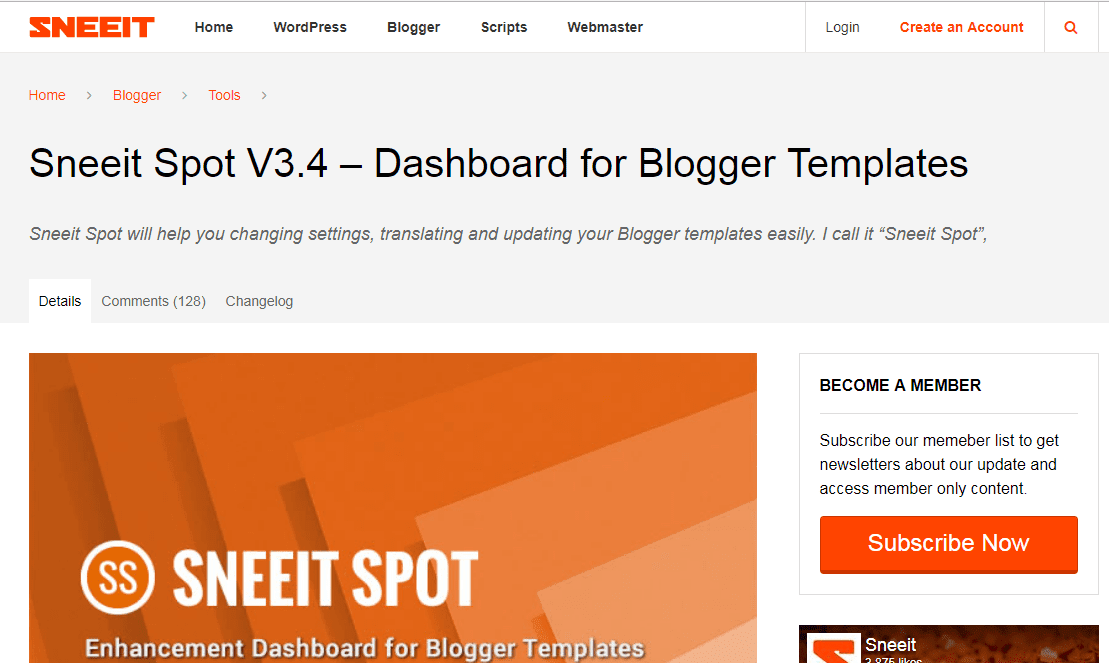
Step 3: Now go to this link by clicking button below.
Sneeit Spot
sahifa-theme-latest-free-download-for-blogger
sneeitspot

Step 4: Scroll down to see a bookmarklet named sneeit spot.
sahifa-theme-free-download-for-blogger
sneeit spot
Step 5: Drag that bookmarklet to your browser's bookmarks bar.
sahifa
sneeit spot
Step 6: Go to Blogger>Themes>Edit Html.
sahifa-theme

Step 7: When Html code appears, click on sneeit spot bookmark.


sahifa-theme-free-download-for-blogger
Step 8: After clicking on that bookmark Some buttons will appear one of them will be demos. Click on demos button.
sahifa-theme-free-download-for-blogger
Step 9: There you will see Sahifa theme now click on import button below sahifa theme.
sahifa-theme-free-download-for-blogger
Step 10: Sahifa theme is applied to your blog. Enjoy.

Note: Many other themes options are also available there in demos. Themes available are - Sahifa Theme, Sevida Theme, Flat News Theme, NY Times Theme, Tech Geekers, Elegant Pack, Affiliate Marketers, Stylish Zine Theme, Minimal Times Theme, Fluid Stacks, Random Grids and More.

Liked this article? Please share it.
Any Questions? Write in comments below.
Are you a blog/website owner. Please give me a link back.